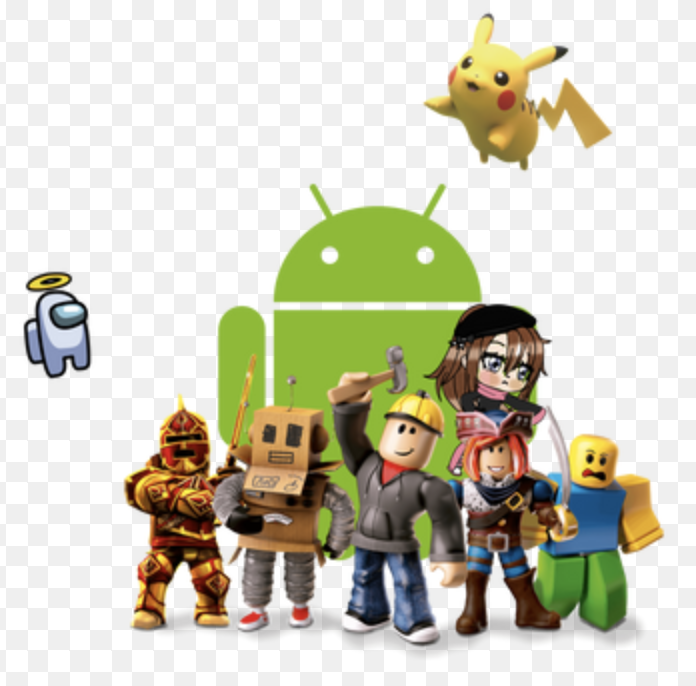

Roblox continues to captivate players across the globe in 2026, with millions logging in daily from their phones and tablets. Whether you enjoy creative building, thrilling adventures, social hangouts, or fast-paced challenges, the Android version delivers accessible fun right in your pocket.
In this guide, you’ll find an honest review of how Roblox performs on Android devices, its standout features, optimization tips for better gameplay, and practical advice to make the most of your time. If you’re new or a returning player, these insights will help you enjoy one of the world’s most popular gaming platforms even more.
What Is Roblox on Android?
Roblox is a vast online platform where users can play millions of user-created experiences or design their own games. On Android, it runs as a free app available through official app stores, letting you jump into everything from relaxing simulators and obbies (obstacle courses) to horror escapes and role-playing worlds.
The mobile version brings the full Roblox ecosystem to smartphones and tablets. You can customize your avatar, chat with friends, earn in-game currency through gameplay or optional purchases, and seamlessly switch between devices. In 2026, updates have focused on smoother navigation, better mobile-specific controls, and improved discovery of new experiences, keeping the platform fresh and engaging for players of all ages.
Key Features and Benefits of Roblox on Android in 2026
Roblox on Android stands out for its flexibility and community-driven content. Here are some of the main highlights:
- Massive Variety of Experiences: From creative building games and fashion shows to action-packed battles and story-driven adventures, there’s something for every mood. Mobile users often gravitate toward quick, immersive sessions like horror or escape games on phones, while tablets shine for more creative play.
- Cross-Platform Play: Start a game on your Android phone and continue on a tablet, PC, or console without losing progress. Many players use multiple devices and report longer, more enjoyable sessions as a result.
- Avatar Customization and Social Features: Express yourself with thousands of clothing and accessory options. Connect with friends through voice or text chat (with safety settings enabled) and join vibrant communities.
- Regular Updates and Improvements: 2026 updates include better home screen navigation, such as flyout menus for quick access to recent games and settings, plus performance tweaks that help the app run more efficiently on a wide range of devices.
- Free-to-Play Accessibility: The core experience is completely free. Optional in-app purchases (like Robux for cosmetics or perks) are available but never required to have fun.
These features make Roblox a go-to choice for casual gamers who want endless variety without needing high-end hardware.
Optimizing Roblox Performance on Android Devices
Performance can vary depending on your phone or tablet, but simple adjustments often make a big difference. Many players notice smoother gameplay after tweaking settings.
In-Game Adjustments:
- Go to Settings (tap the Roblox icon in the top-left while in a game).
- Switch Graphics Mode from Automatic to Manual and lower the quality level if you experience lag.
- Reduce animations or effects in games that support it.
Device-Level Tips:
- Close background apps before playing to free up RAM.
- Use a stable Wi-Fi connection—Roblox performs best over Wi-Fi rather than mobile data.
- Keep your device and the Roblox app updated for the latest bug fixes and optimizations.
- On lower-end devices, try less crowded servers for better frame rates.
Recent updates have brought performance improvements, including reduced loading times and better optimization across hardware. Players on mid-range Android phones often report solid results with these changes, while premium devices handle higher graphics without issues.
For even better control, experiment with sensitivity settings for movement and camera to match your play style—many find this especially helpful in fast-paced games.
Comparison: Roblox on Android vs Other Platforms
Roblox shines on mobile for its portability, but each platform has strengths:
- Android vs iOS: Both offer similar experiences, though some players note slight differences in touch responsiveness or battery life. Android provides more device variety, from budget options to flagships, making it accessible to a wider audience.
- Mobile vs PC/Console: Phones and tablets excel for short, on-the-go sessions, while PC offers more precise controls and higher visuals. Many enjoy starting on mobile and switching to bigger screens for longer play.
Overall, Android holds its own thanks to broad compatibility and ongoing mobile-focused improvements in 2026. The choice often comes down to your preferred play style and device.
Pros and Cons of Playing Roblox on Android
Pros:
- Highly portable—play anywhere with an internet connection.
- Huge library of free experiences updated constantly by creators.
- Strong social and creative elements that keep players coming back.
- Regular platform updates improve mobile performance and usability.
- Works on a wide range of Android devices, from entry-level to high-end.
Cons:
- Touch controls can feel less precise than mouse/keyboard in some competitive games.
- Performance may vary on older or budget devices without optimization.
- Battery drain during longer sessions (common with most mobile games).
- Smaller screen size can make detailed building or complex menus trickier.
The pros far outweigh the cons for most casual and social players, which helps explain why Roblox remains incredibly popular on Android.
Practical Tips and Best Practices for Roblox on Android in 2026
Here are actionable ways to enhance your experience:
- Customize Controls Early: Spend a few minutes adjusting movement sensitivity and camera settings in a simple game. This small change can make a huge difference in comfort and accuracy.
- Manage Your Time and Safety: Use built-in parental controls or account settings to set limits and filter content. Enable features like content maturity labels to ensure a suitable experience.
- Discover New Games Wisely: Browse the “Recommended for You” section or popular categories. Look for experiences with high ratings and active communities.
- Join with Friends: Playing together increases enjoyment—use the friends list or group features to coordinate.
- Support Creators: Like and favorite games you enjoy to help them grow. Many creators appreciate positive feedback through the in-app tools.
- Stay Updated: Check for app updates regularly, as they often include performance boosts and new features.
Real-life example: A player on a mid-range Android phone reduced noticeable lag by lowering graphics quality and closing background apps, turning frustrating sessions into smooth adventures in popular obbies and simulators.
Follow these practices, and you’ll likely enjoy longer, more rewarding play sessions.
FAQs
Is Roblox free to play on Android? Yes, downloading and playing core experiences is free. Optional purchases exist for cosmetic items or perks, but they’re not necessary.
Does Roblox run well on older Android phones? It can, especially with graphics lowered and background apps closed. Performance improves with regular updates, but very old devices may need more adjustments.
How can I make Roblox less laggy on Android? Lower in-game graphics settings, use Wi-Fi, close other apps, and keep your device updated. These steps help many players achieve smoother gameplay.
Are there parental controls for Roblox on Android? Yes, the platform offers content filters, experience blocking, and account restrictions to help families manage playtime and content.
Can I play the same Roblox account on Android and other devices? Absolutely—your progress syncs across supported devices, making it easy to switch between phone, tablet, or computer.
Conclusion
In 2026, Roblox on Android remains a powerhouse of creativity, social connection, and endless entertainment. Its massive library, regular improvements, and cross-platform nature keep it among the most-played games worldwide. With a few simple optimizations and mindful play habits, you can enjoy smooth, fun sessions no matter your device.
Ready to dive in? Open the Roblox app, explore new experiences, and connect with friends. Learn more about platform safety features or discover trending games to get started today.